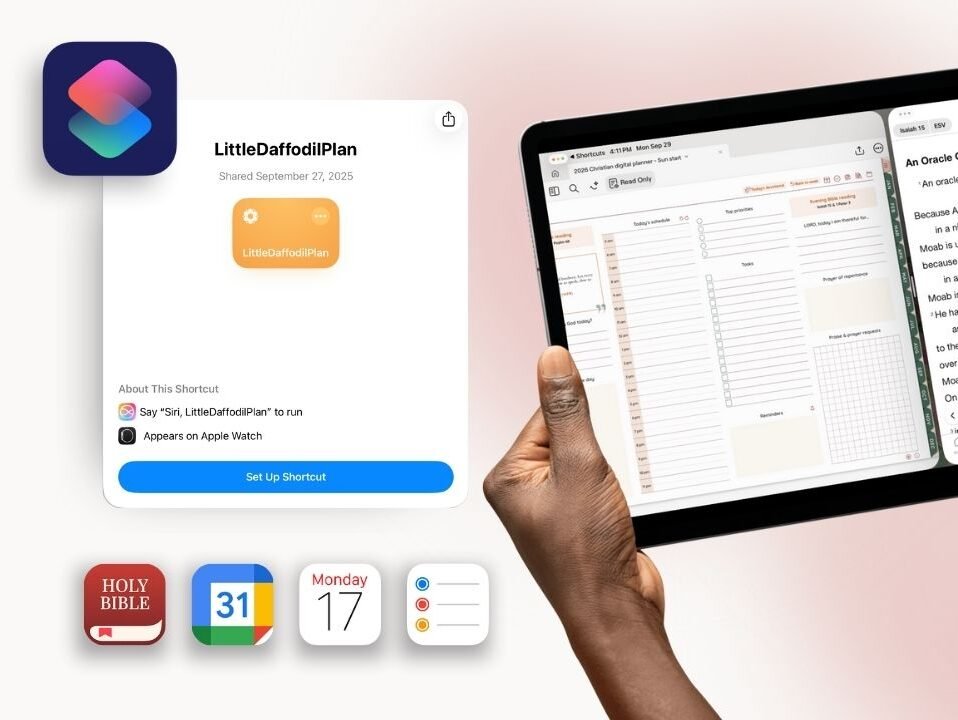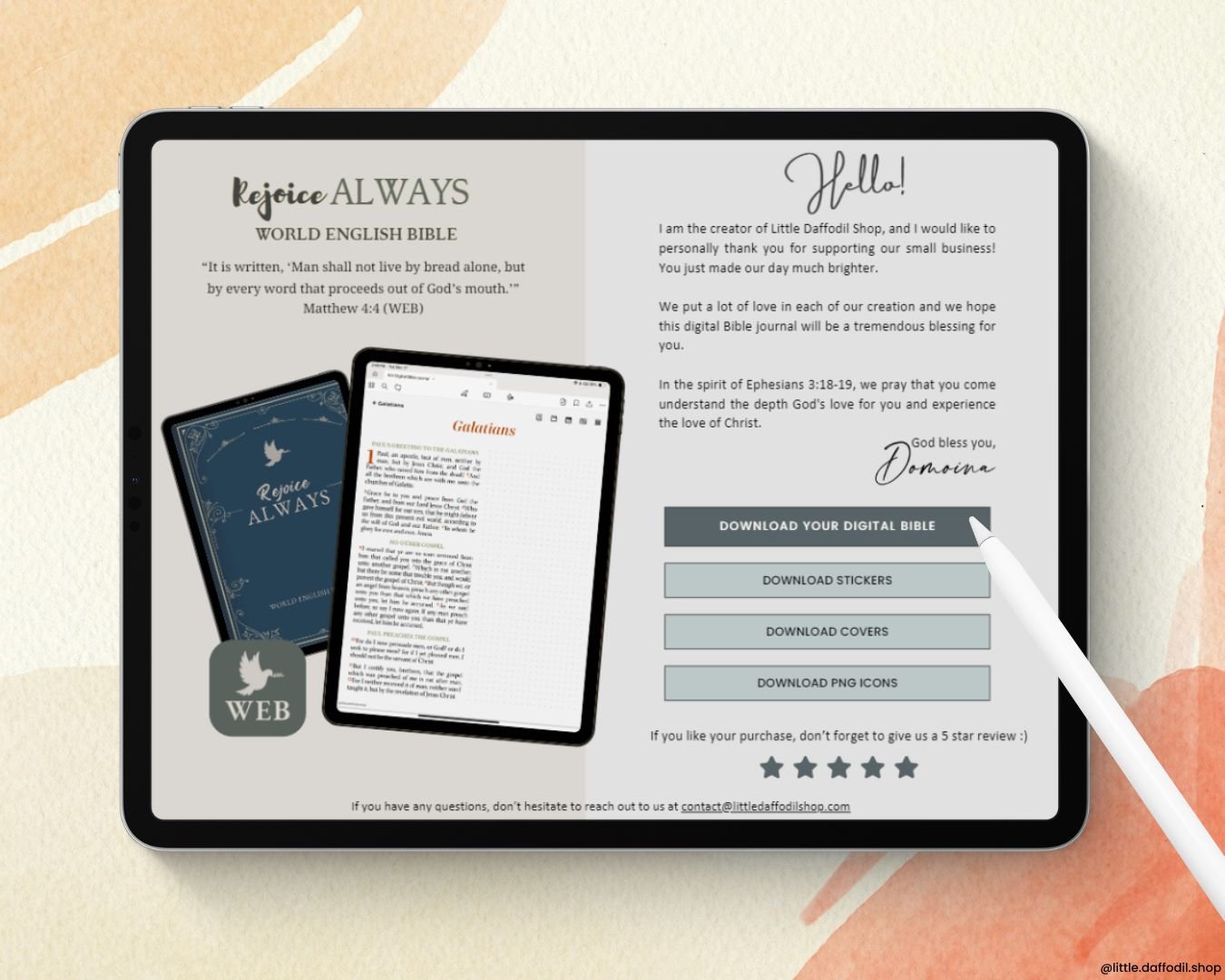

With the Shortcuts app, you can create a shortcut on your home screen and easily access your digital notebooks/Bible journal on Goodnotes.
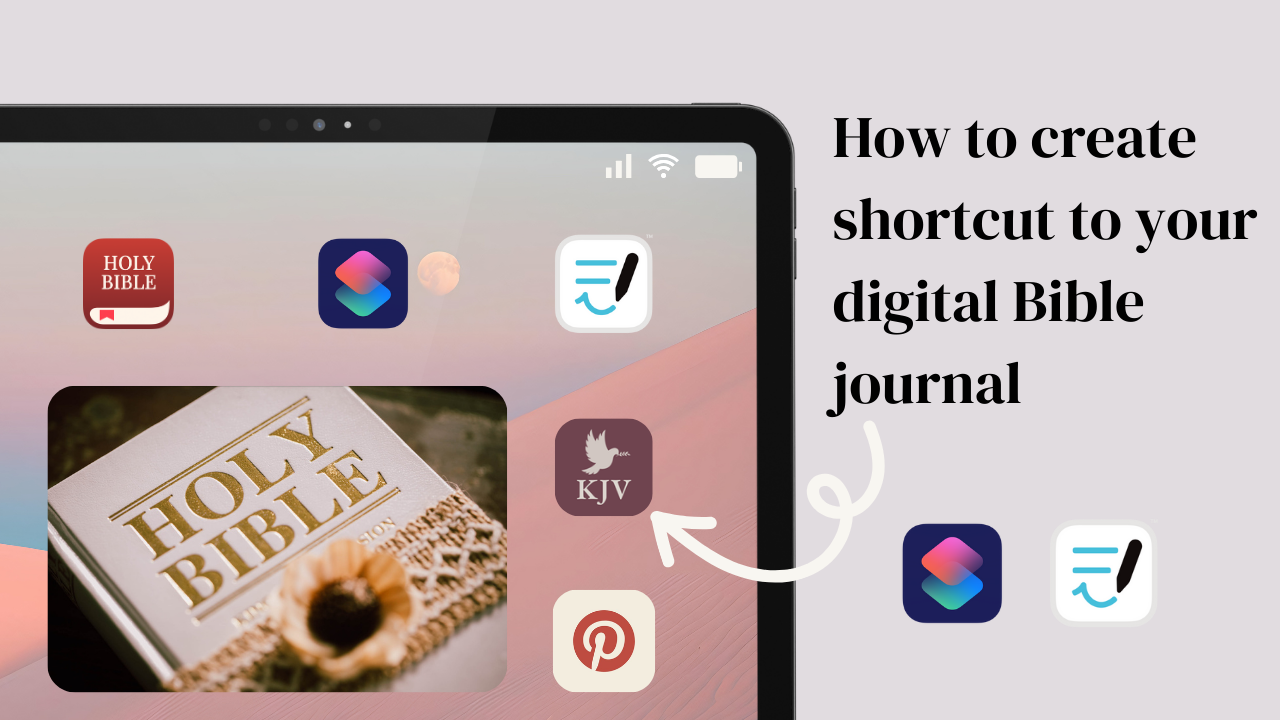
Follow these steps to create the shortcut:
- Open your Shortcuts app, then tap the + icon
- Search for Goodnotes and select Open document
- Tap on Document and select your digital Bible
- Rename your shortcut
- Go to the Info icon and tap Add to Home Screen
- Go to Image and select the picture you want to use as an icon for your Bible.
- Tap Add