Where to find files and Save them
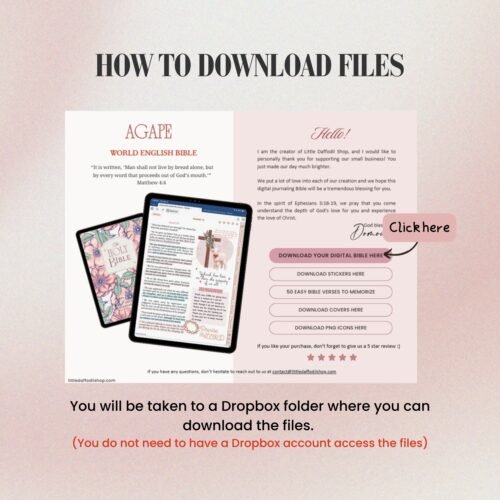
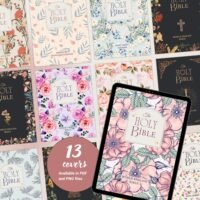
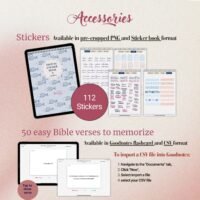
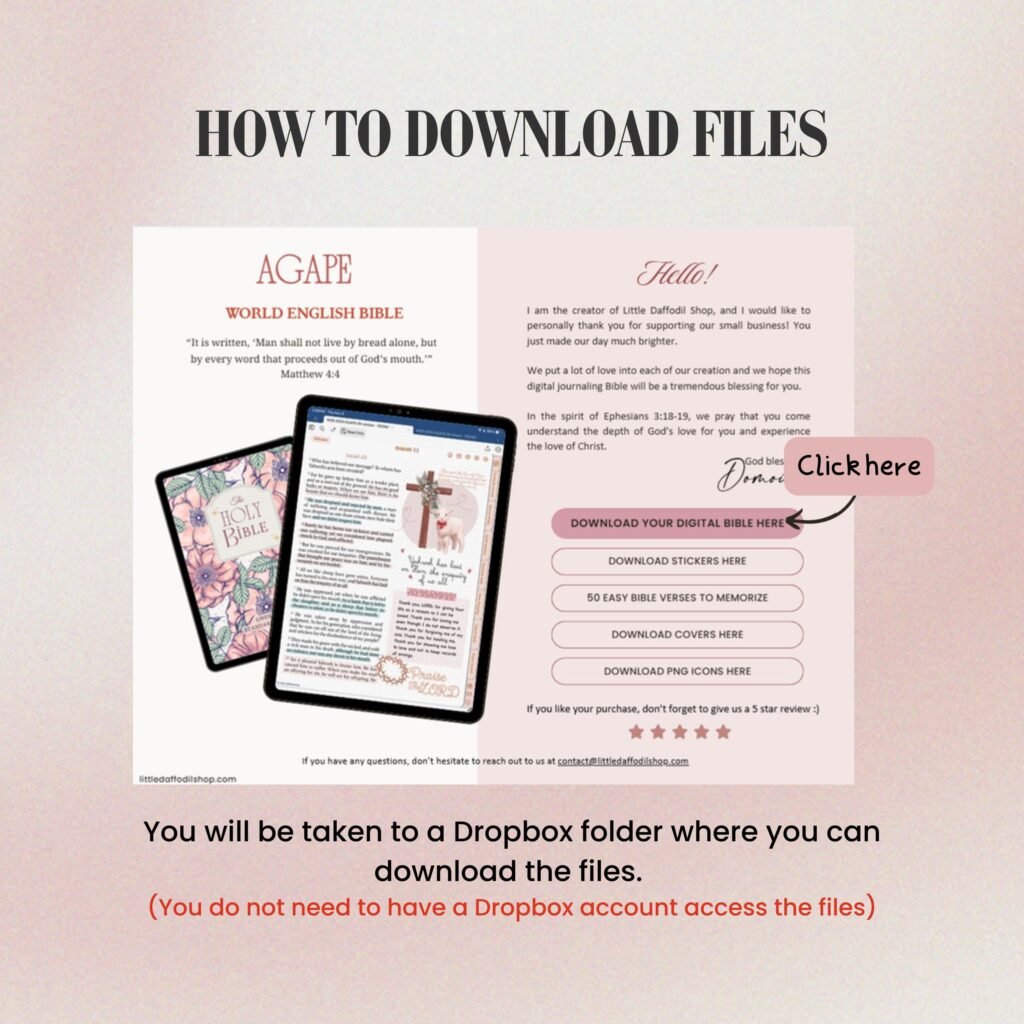
After your purchase, you will receive a download link for your digital DOWNLOAD PAGE. You can also access it in My Downloads under My Account. The DOWNLOAD PAGE contains all the links to download your digital Journaling Bible and all accessories that comes with it.
On the DOWNLOAD PAGE:
- Tap on the DOWNLOAD YOUR DIGITAL BIBLE HERE link. This will lead you to a digital a Dropbox folder containing the digital journaling Bible file
- Click the Download button to the right of the page
- Make sure to know the location of the file
- Open the file in your Files app
how to Import file into GoodNotes
Option 1
- Locate your file in the Files app on iPad
- Tap on the Share icon then select the Open in GoodNotes option
- In GoodNotes, select where you would like to import your file, then tap Import
Option 2
- Open Goodnotes and go to the document tab where you want to import the file
- Tap on the New icon then select Import
- Select the file you want to import and then Open
USER GUIDE
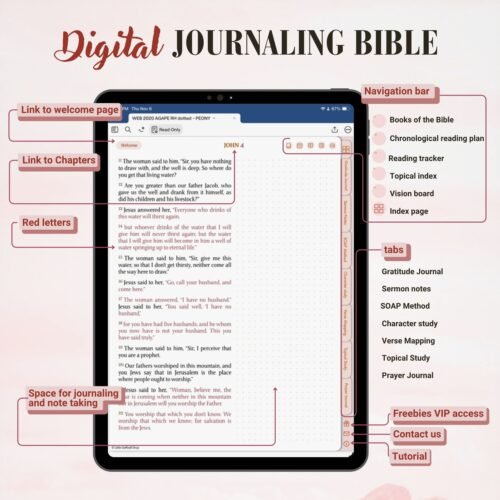
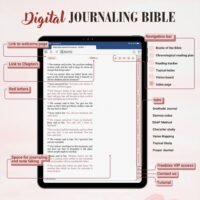
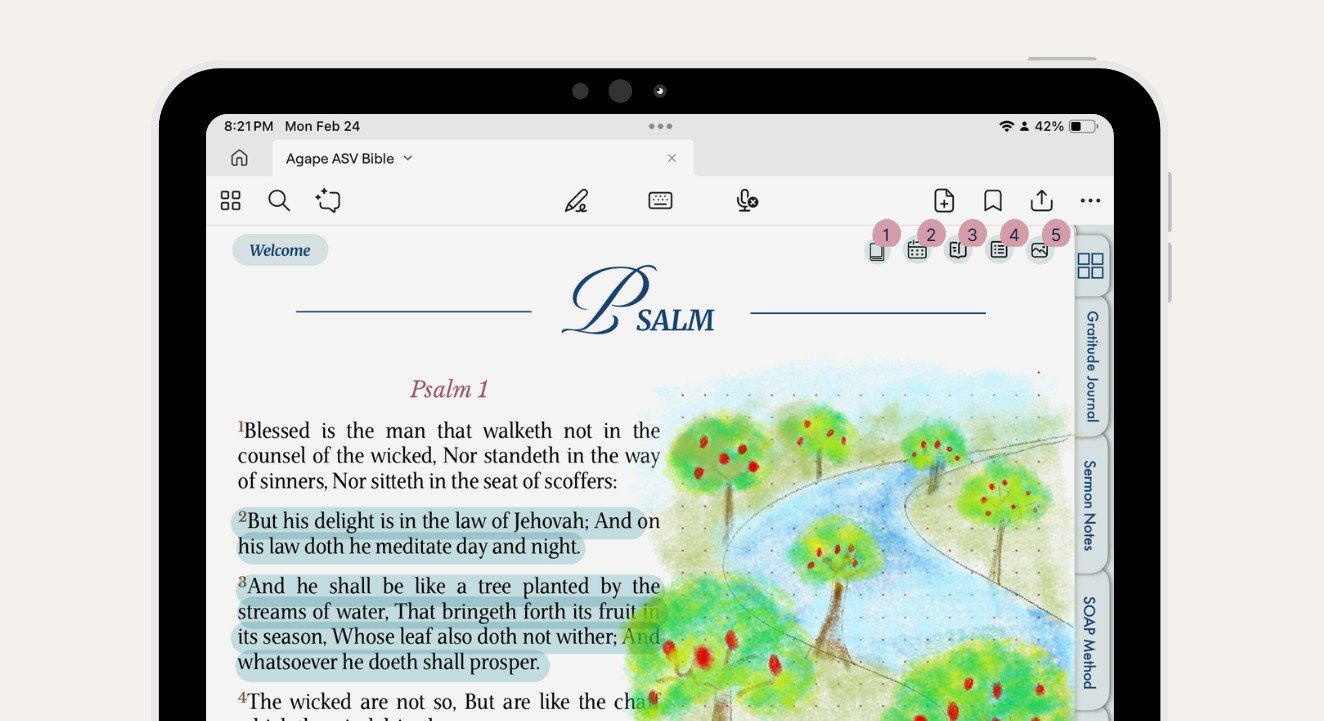
Navigation bar on the top right
1. Old and New Testament
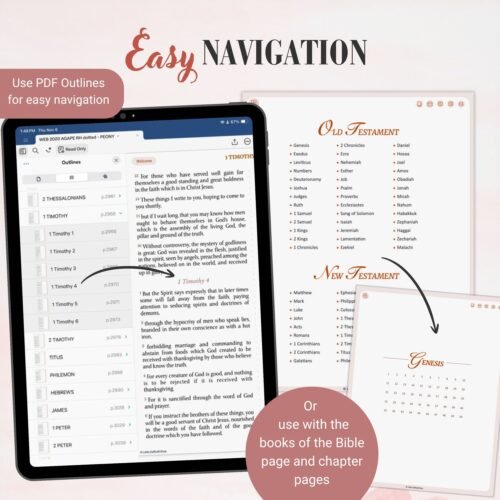
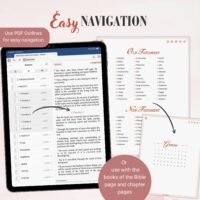
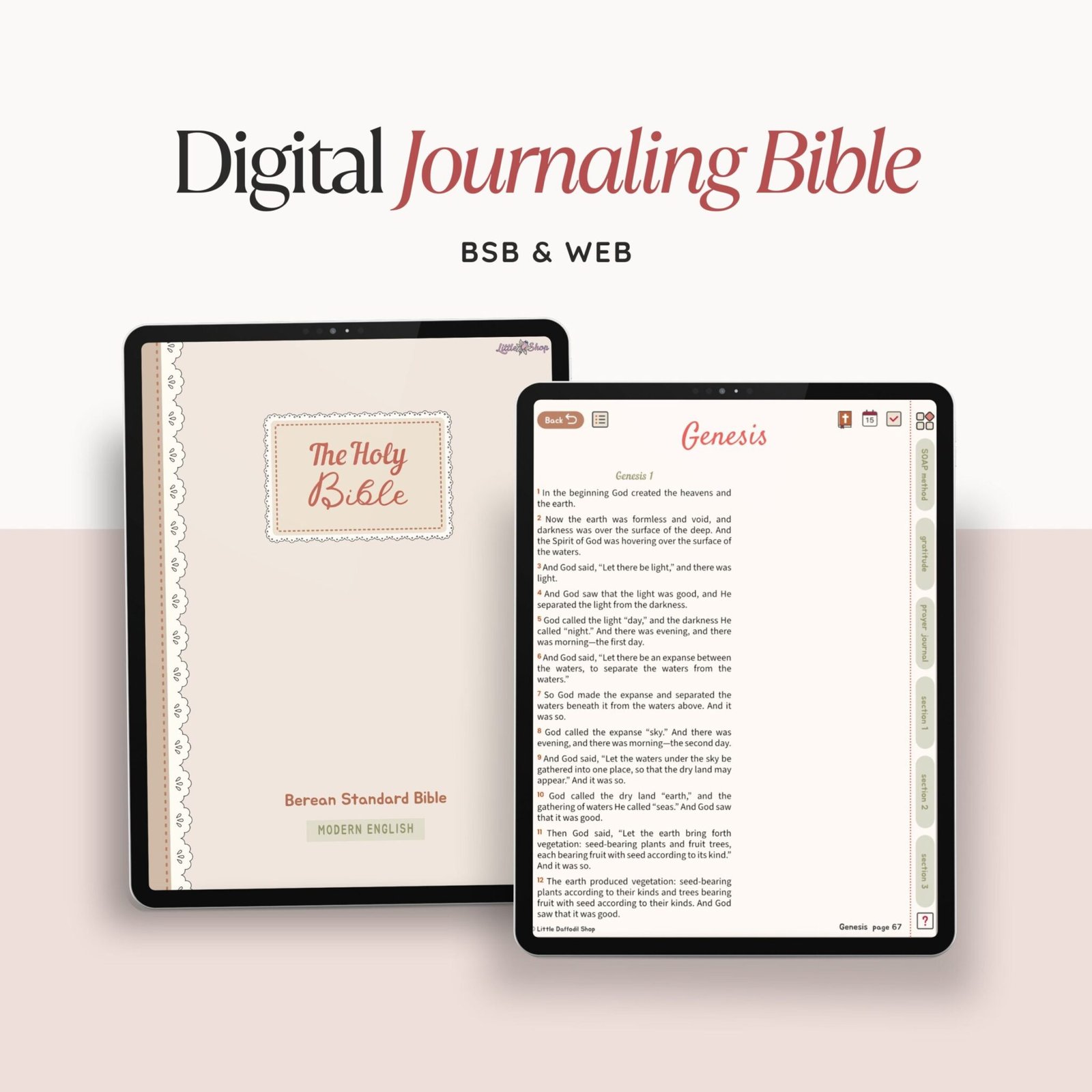
This page contains all the 66 books of the Bible, where each book is hyperlinked. When you tap on a specific book, it will take you to this book chapter page. There, you can tap on the chapter you want to navigate to, and you will be sent to the Bible page.
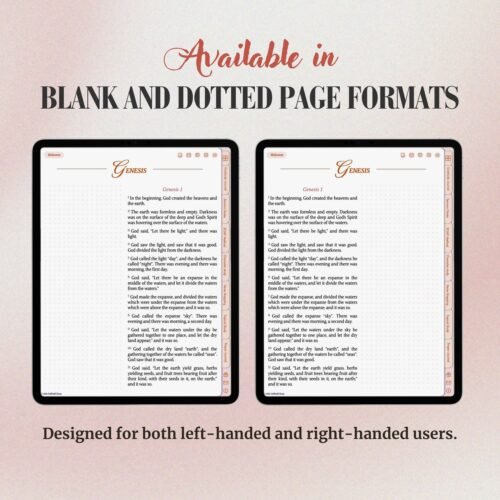
On the Bible page, if you want to go back to your chapter page, simply tap on the name of the book located on the top left of the page.
PDF outline to access chapters
To view the PDF outline in Goodnotes 6, open the Thumbnail view and select the Outlines tab. Tap on any of the books to go to the corresponding chapter.
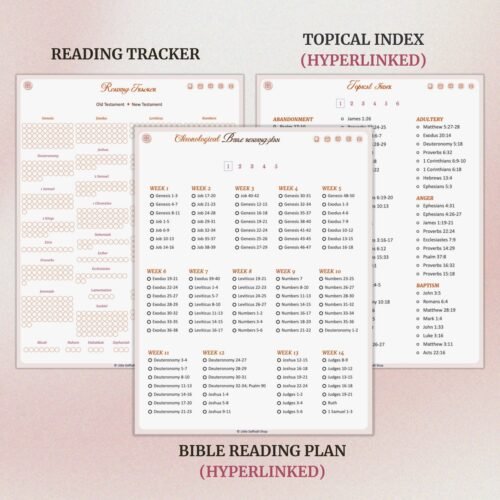
2. Chronological Bible reading plan
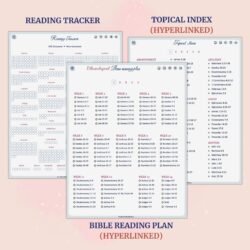
This is pretty straight forward. This page contains hyperlinked Chronological Bible reading plan for easy navigation.
3.Reading tracker
This is also very straight forward.
4. Topical index
This page is also hyperlinked so you can navigate to the page easily.
5. Vision board
This page is to help you stay focused and inspire you. Add picture, quotes, Bible verses that cheer you up and lift up your mood and encourage you in your Christian-walk.
whatever things are true, whatever things are honorable, whatever things are just, whatever things are pure, whatever things are lovely, whatever things are of good report: if there is any virtue and if there is any praise, think about these things. Philippians 4:8 WEB
Here are some goals that you can put into pictures to help you get started:
- Read the entire Bible in a year
- Volunteer more
- Be more organized
- Be consistent with my prayer routine
- Be grateful and appreciate the little things because God is Lord of the big and small things in life
TIP: how to add pictures to the vision board in Goodnotes 6
First, open Safari and Goonotes in split view on your iPad. On Safari, go you Pinterest and find a picture that inspire you. Then long press on the picture and drag it to your vision board.
Tabs
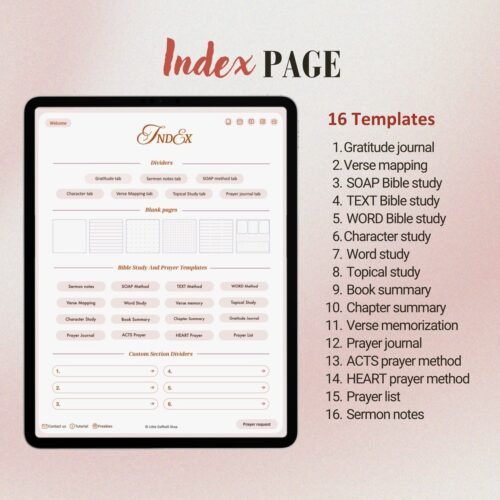
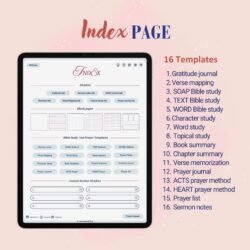
Index page (four-square icon)
This page contains hyperlinks to useful links, templates and blank pages
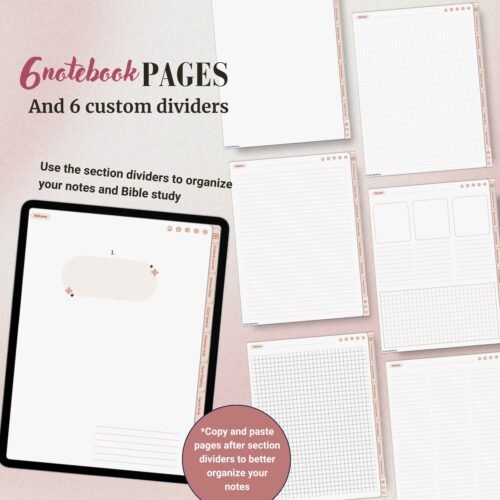
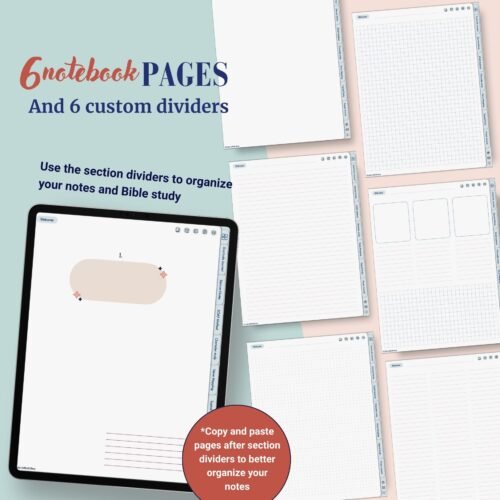
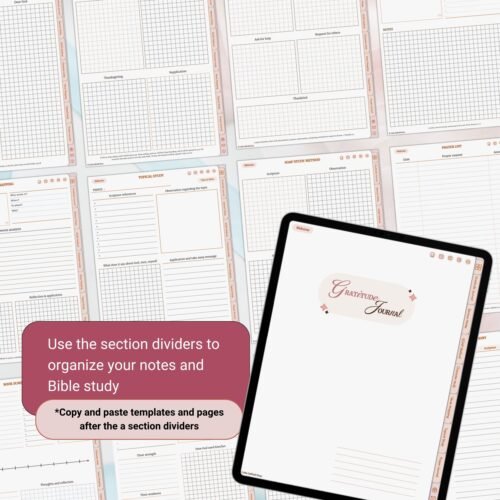
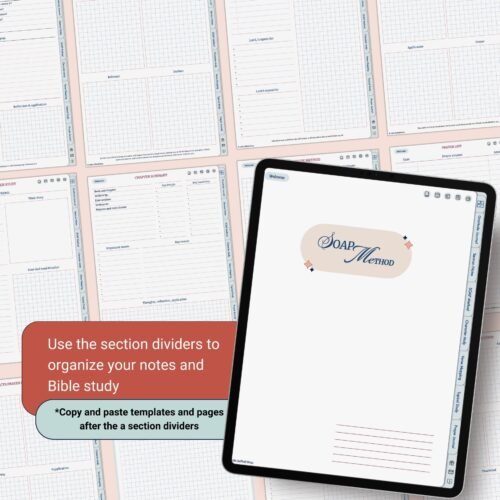
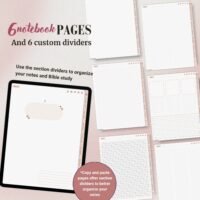
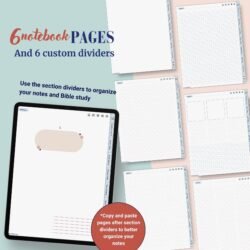
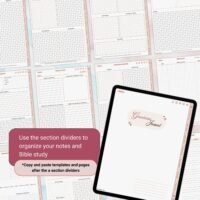
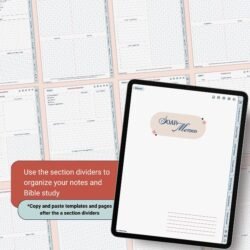
Although templates and blank pages can be copied and pasted anywhere in your Digital Bible, I recommend making use of the tabs on the right side and the section dividers for notes and prayer related templates.
TIP: how to copy and paste a page in Goodnotes 6
- Navigate to the template you want to copy, then tap on the Three-dot icon and select Copy Page
- Navigate to a section divider and tap on the Add page icon and select After tab then tap Paste Page







Reviews
There are no reviews yet.